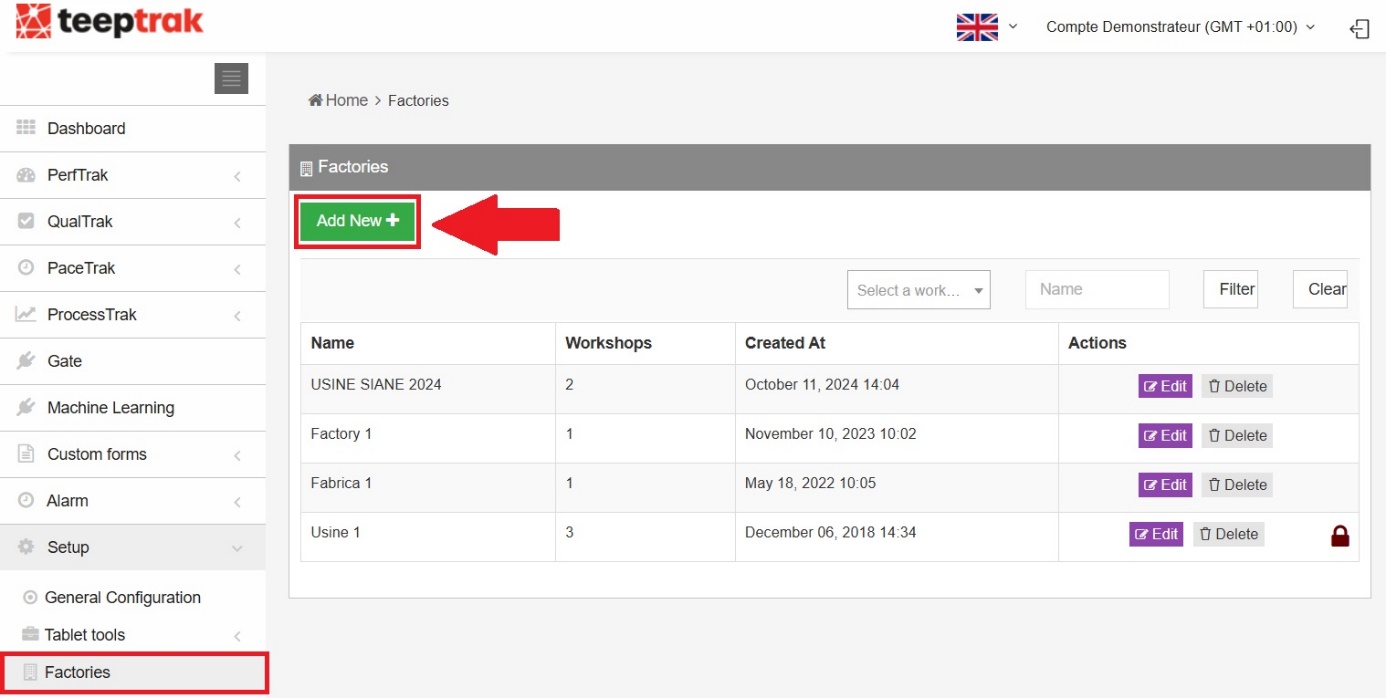
Path: Administration > Virtual Factory > Factories
Go to Administration > Virtual Factory to start setting up the solution. Begin by clicking Factories and create a setup that matches your facility.
Once the users have been defined, you will be able to assign a manager to each factory.
Creating a factory
Select Factories, then click Add New. Enter the factory name and, if needed, upload your company logo — for both the platform and the tablet.
Once created, the factory appears in the list of setups.