PaceTrak is an application designed for tracking manual tasks and monitoring operator workflows. It measures efficiency in real time or with a slight delay, task by task or by batch at the end of production, either manually or automatically depending on the chosen configuration. Three operating modes are available.
1. Product tracking with declaration at the end of the batch
The operator triggers the start and the end of a batch. At the end of the batch, they enter the quantity of items produced. This mode is ideal for fast, single-task production processes and minimises data entry on the tablet.
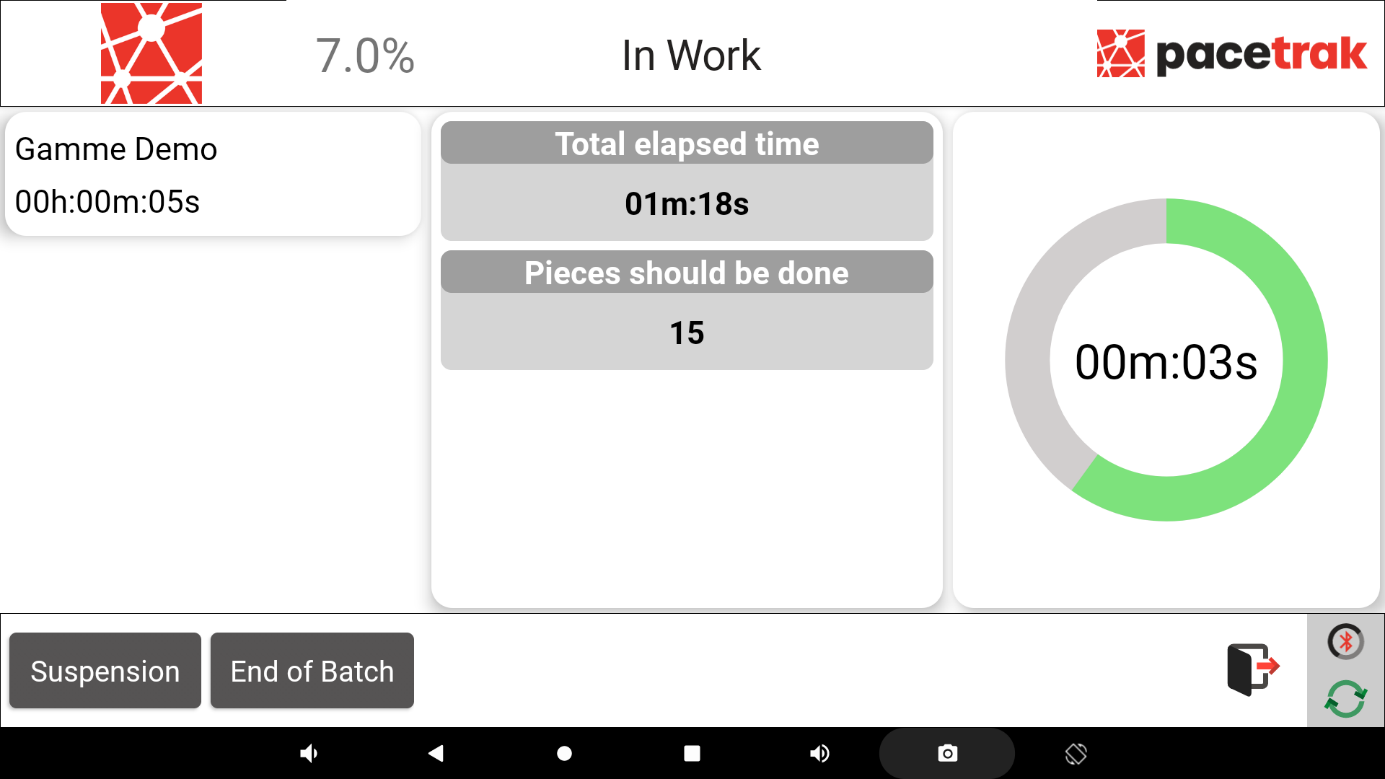
To activate this mode: tablet settings > Options tab > Production options > Quantity at end of batch. If this option is not enabled, the operator will have to enter the target number of pieces to be produced before starting production.
2. Real-time routing, single task or with subtasks
The operator presses a button at the end of each task or subtask. At the end of the routing, they enter the root causes of the variances — time gained or lost — compared with the theoretical execution time. This mode is particularly well suited to manual, multi-task processes.
No option needs to be ticked to activate this mode.
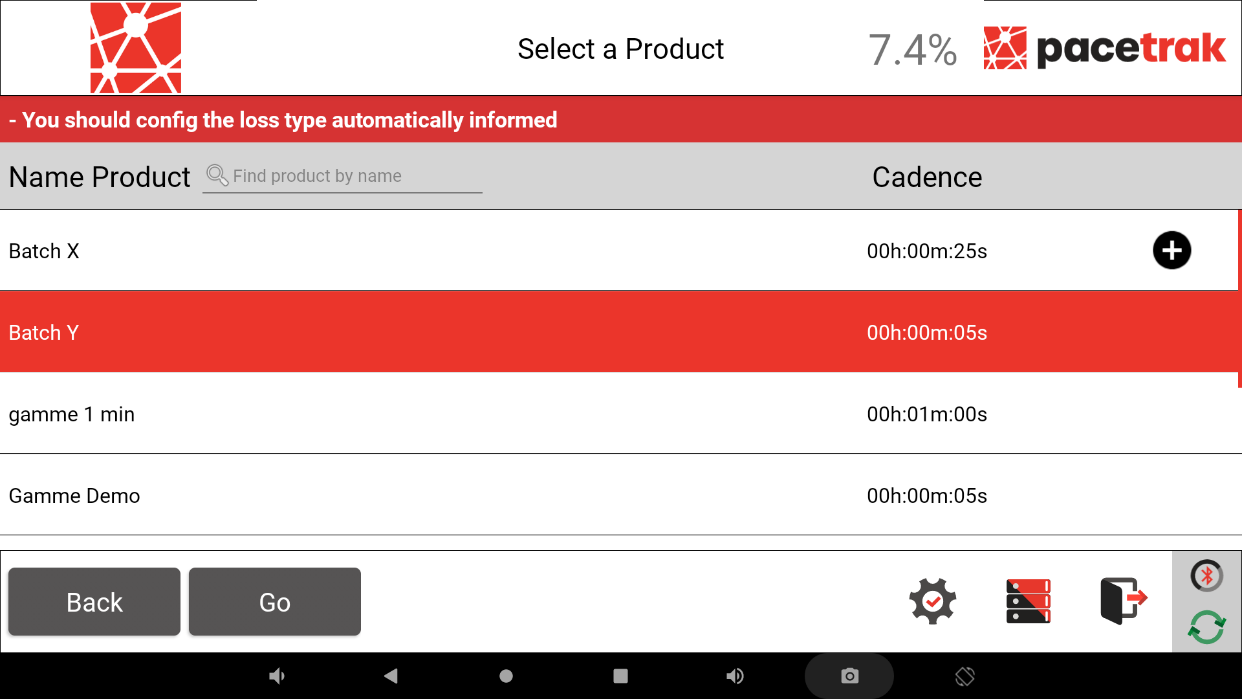
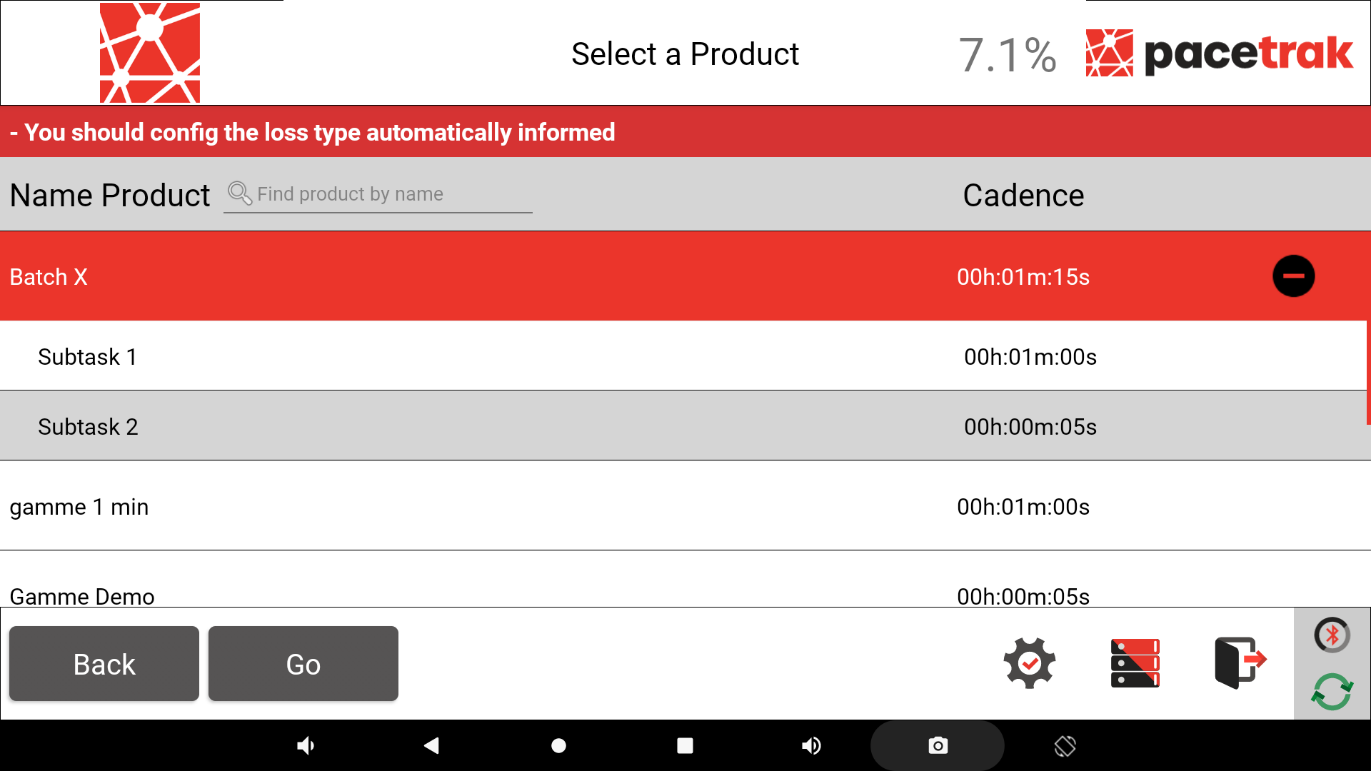
Depending on your configuration, two types of routing can be launched:
- single-task routings (one single task);
- multi-task routings (several subtasks making up an overall task).
3. PaceTrak Automatic (using a sensor)
The operator triggers the start and the end of a batch; a sensor automatically counts the pieces produced. At the end of the batch, the operator explains the variances observed. This mode is ideal for fast, single-task production, or when the operator cannot monitor all the pieces in a batch.
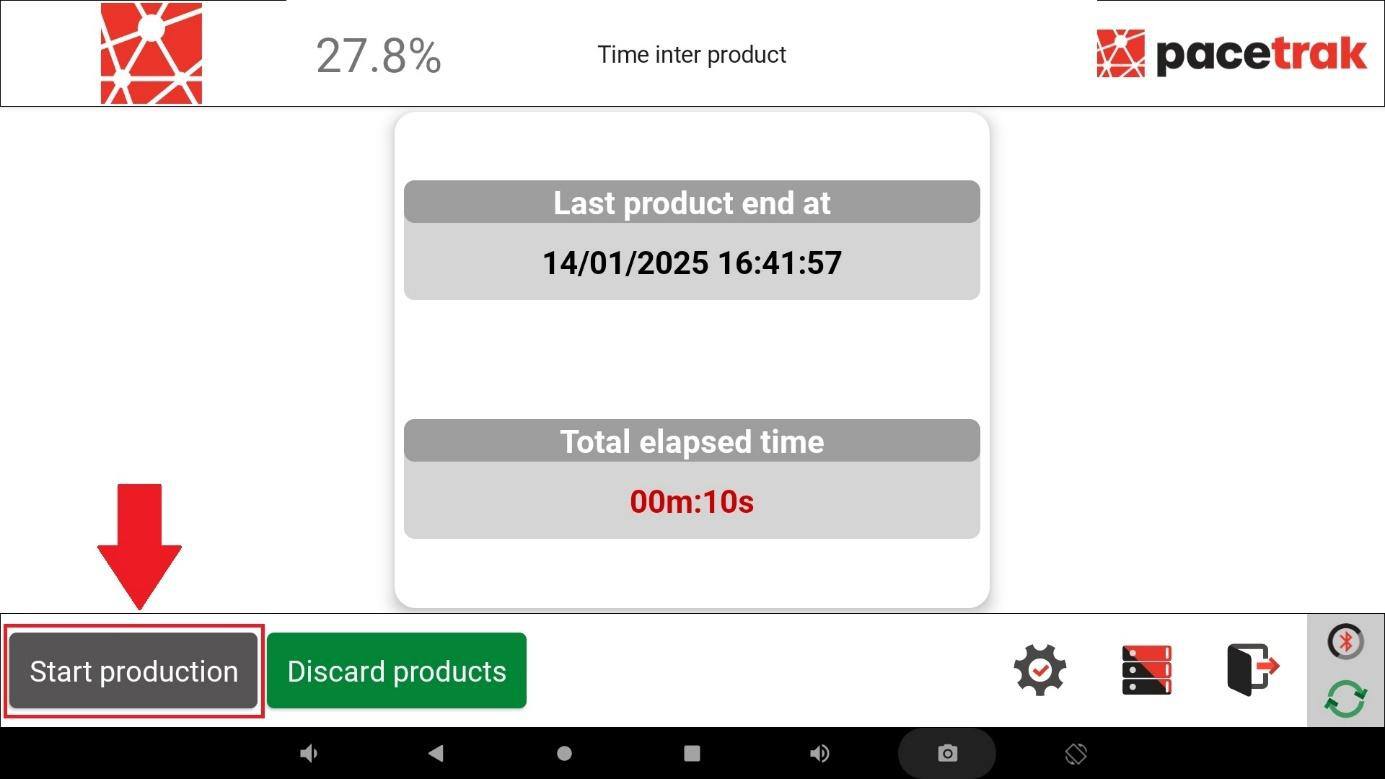
To activate this mode: tablet settings > Options tab > Application options > Sensor to count products. Please note: this mode does not work in multi-task mode.