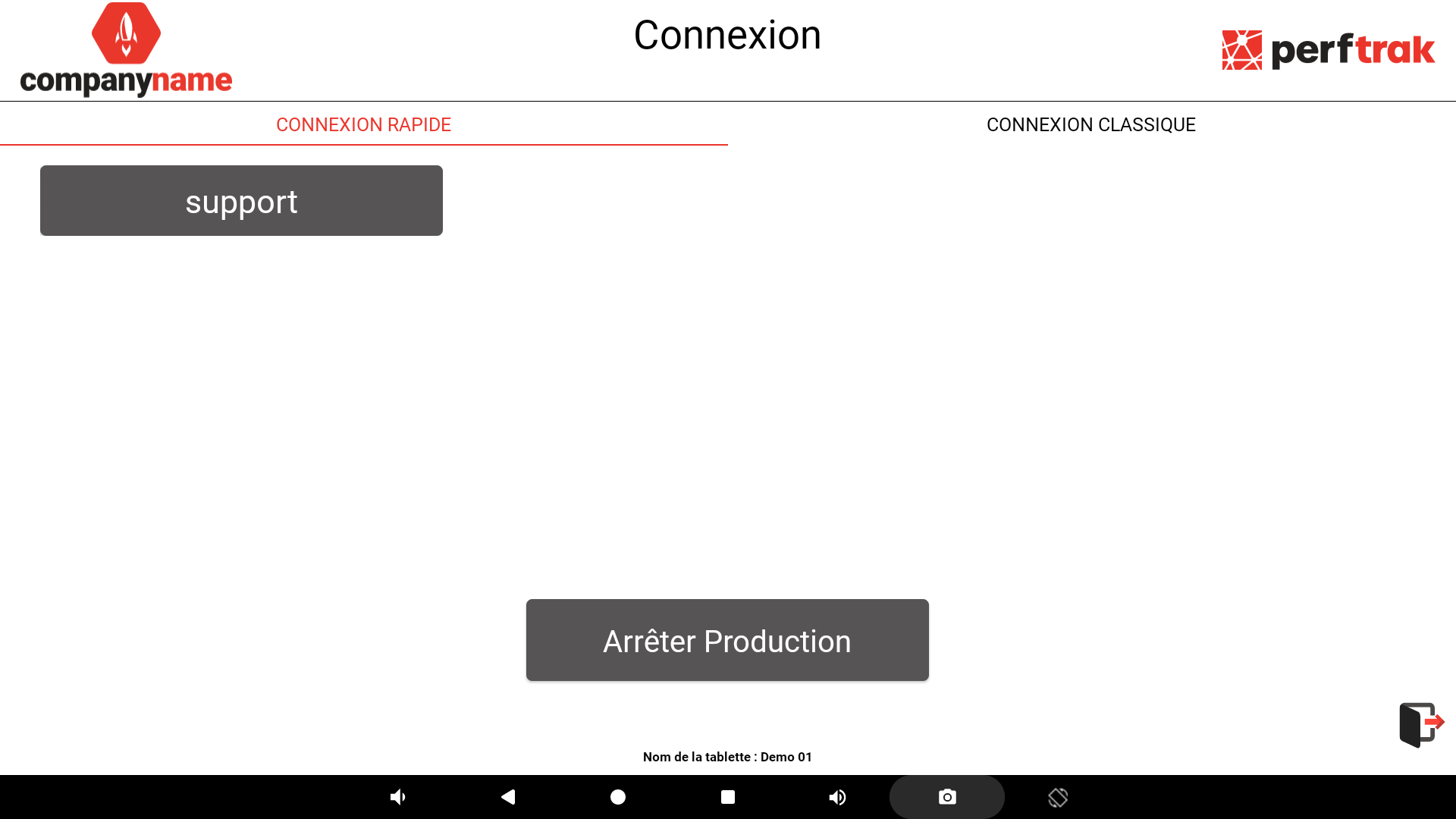
Quick login lets you log in to the Teeptrak tablet application with a single tap on a profile, without re-entering the login and password each time the application opens.
Enabling quick login
- Log in to the application with your login and password.
- Open the settings (cogwheel at the bottom right of the screen).
- Go to Options > Authentication > Quick login.
- Shortcut: type "Quick login" in the settings search bar.
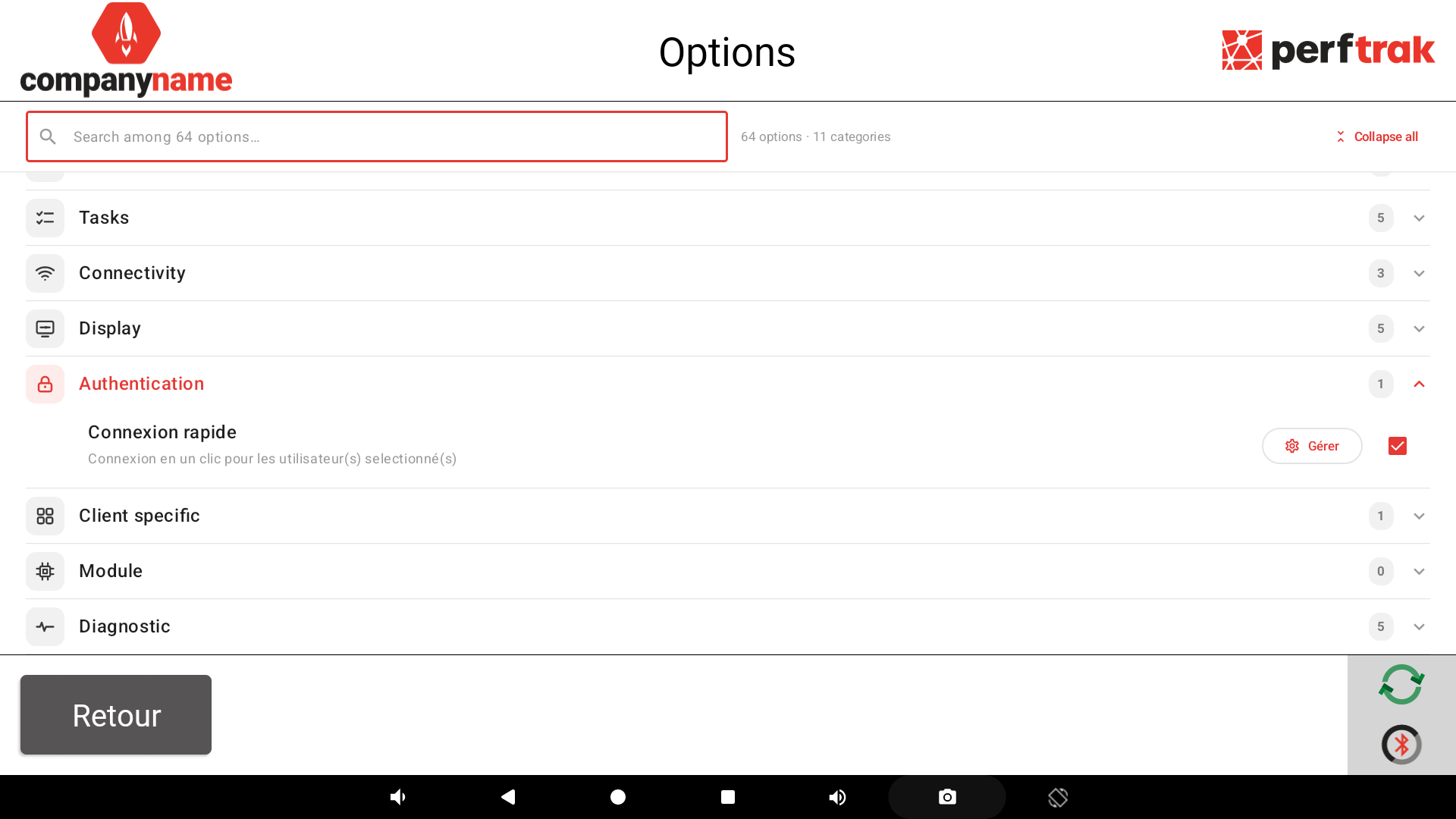
- Enable the Quick login option.
- Tap Manage.
- Enter the login and password of the account that will remain accessible with a single tap, then confirm.
The profile now appears on the login screen.
Logging in day to day
Each time the application opens, simply tap the saved profile: you are logged in without entering a password.