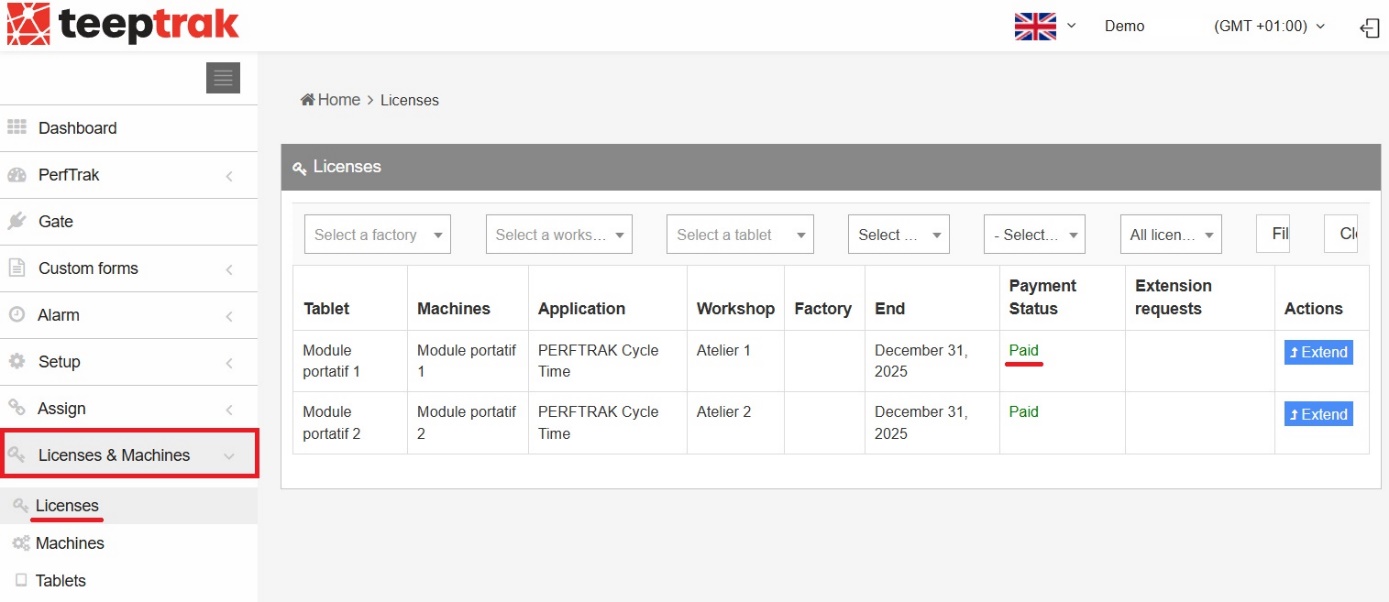
Path: Administration > Licenses & Machines > Licenses
Log in to your client interface at www.teeptrak.net using the username and password provided by our team. Once logged in, go to Administration > Licenses & Machines to verify that your licenses and equipment have been successfully activated.
Click the Licenses tab and check the payment status in the corresponding column. Activated licenses have a payment status of Paid. If this is not the case, please contact our team.