Path: Administration > Users > Managers
Creating a manager
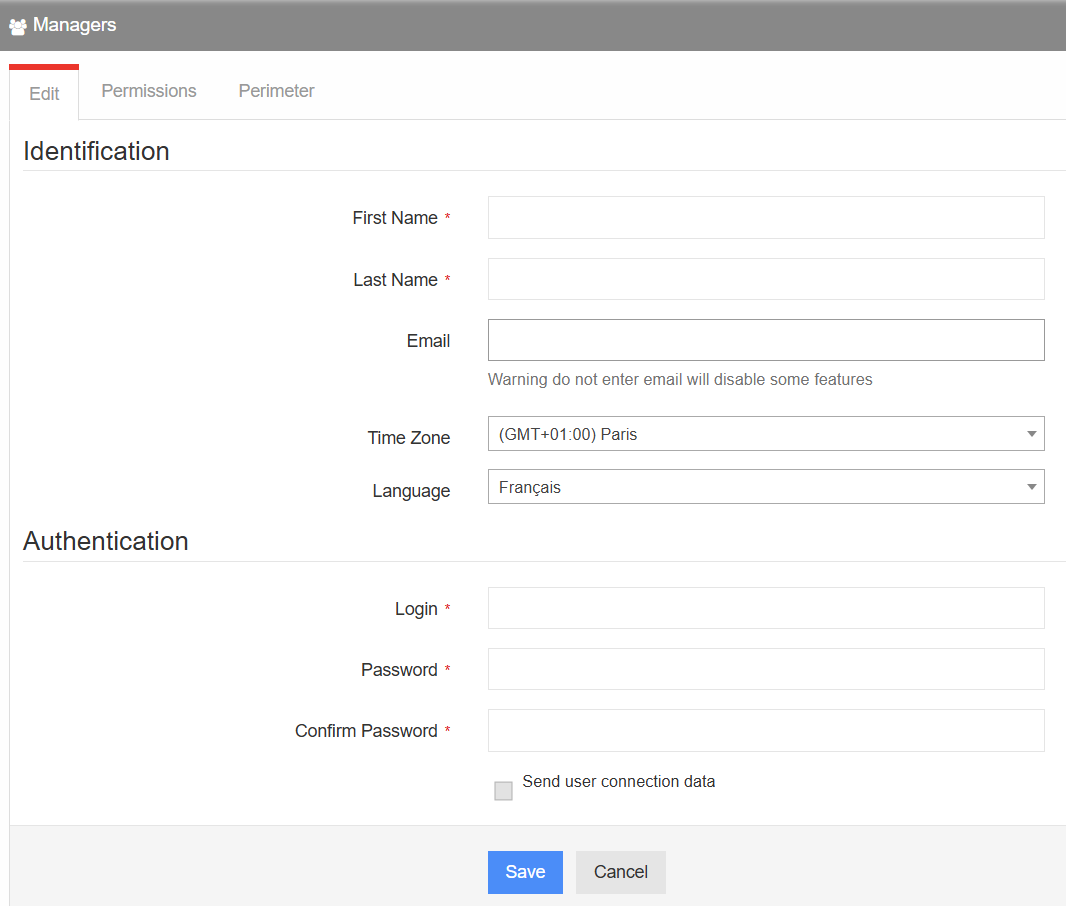
In Administration > Users > Managers, click Add and enter the following details: first name, last name, email address, time zone and language.
Then set up the manager's username and password. You can choose to send these credentials by email by ticking the dedicated checkbox.
Permissions
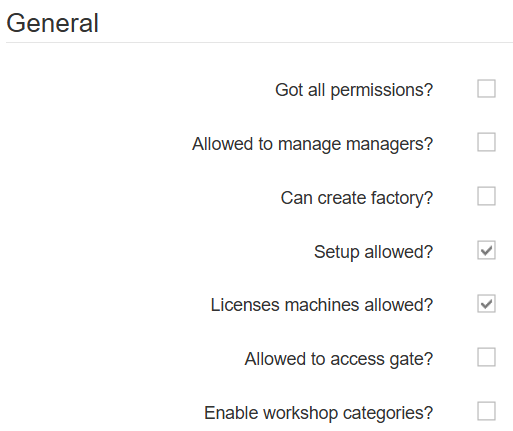
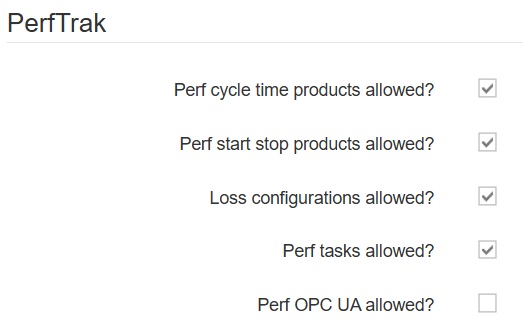
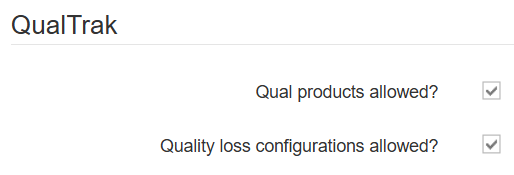
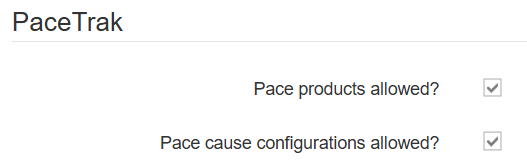
Click the Permissions section at the top of the screen and select the appropriate options. They are grouped by product.
Perimeter
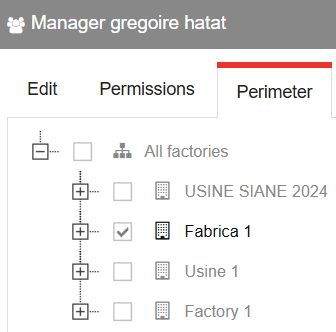
Finally, click the Perimeter tab and assign the manager to their designated factory or factories.
Editing an existing manager
Once created, the manager appears in the summary table. You can change the configuration at any time using the buttons on the far right.
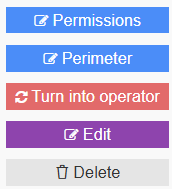
By selecting Turn into operator, the manager is reassigned as an operator to the workshops previously included in the perimeter of their manager account.