Starting a production on the tablet
An explanatory video is available here.
To start a production, you first need to select the product being manufactured.
1. Open the product menu
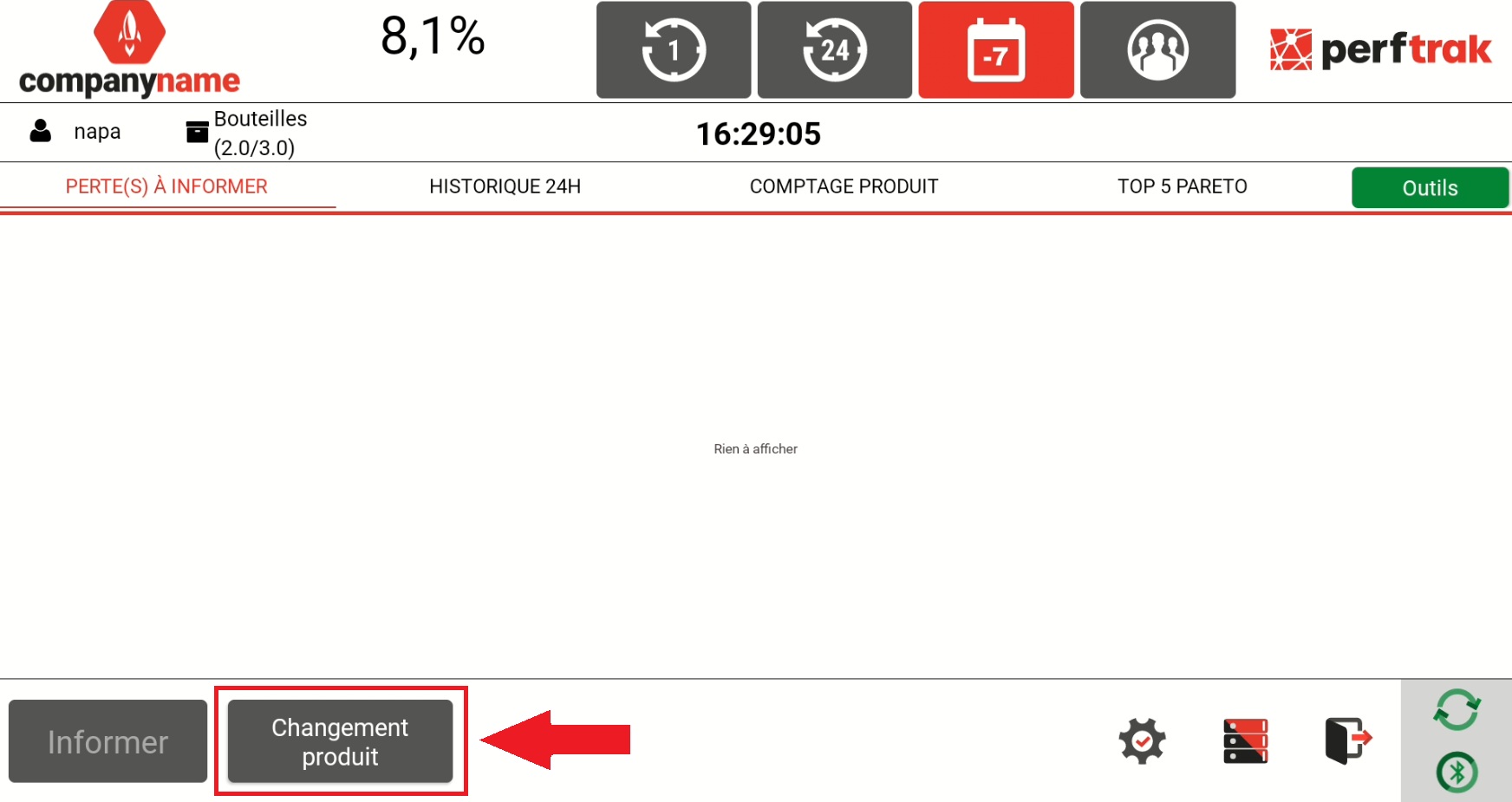
From the main menu, click "Change-over" to display the list of products available for the monitored machine.
2. Information displayed, depending on the version
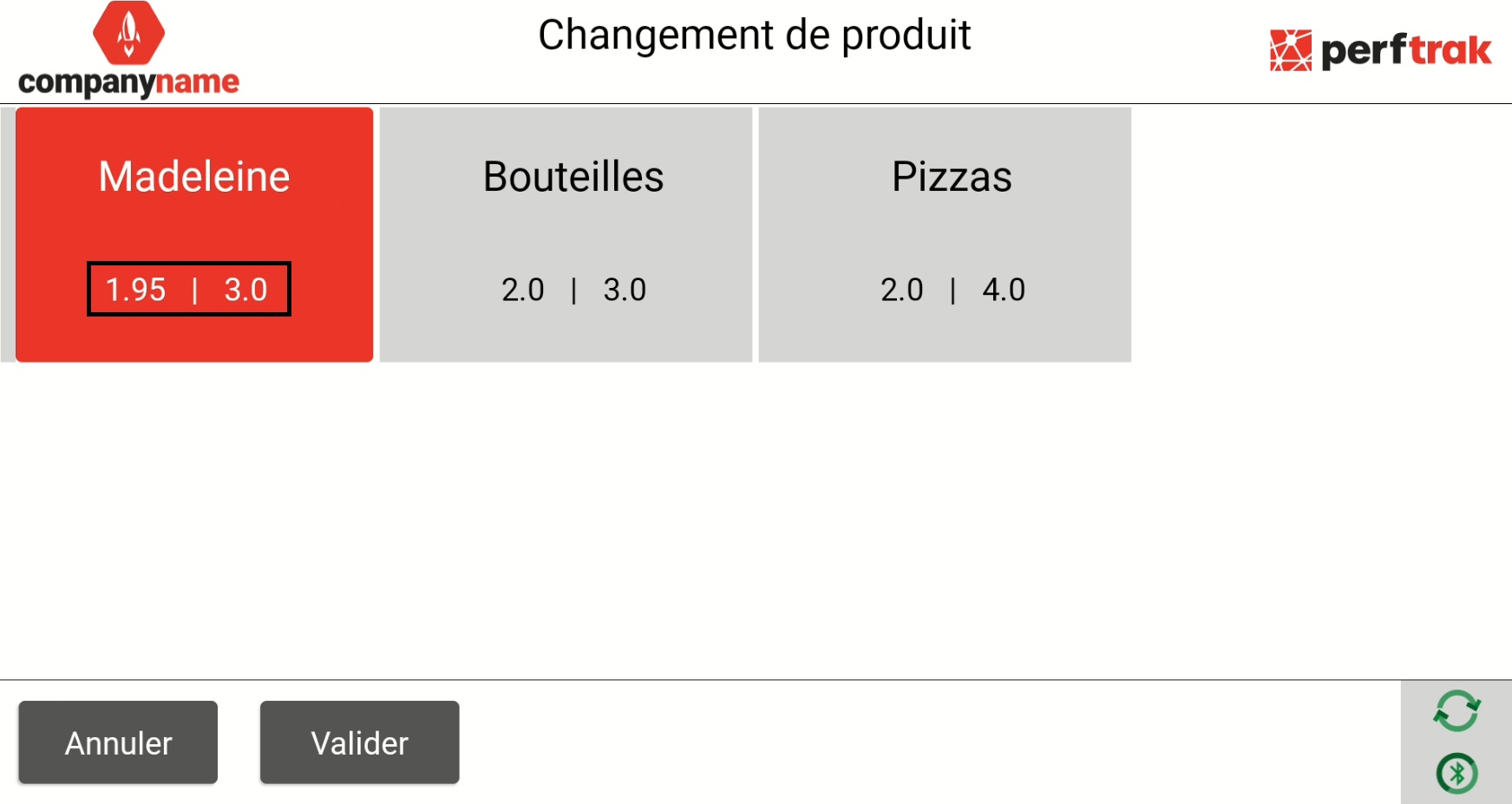
The information displayed under each product depends on the version in use.
Cycle Time version:
The theoretical cycle time is displayed.
The alarm triggering time is also shown.
Start/Stop version:
The non impactful stoppage threshold is displayed.
The alarm triggering time is also shown.
3. Select the product
Select the product corresponding to the current production and click "Validate".
The operator can change product at any time, by going back through the "Change-over" button.