The main interface of the PaceTrak tablet is divided into three parts.
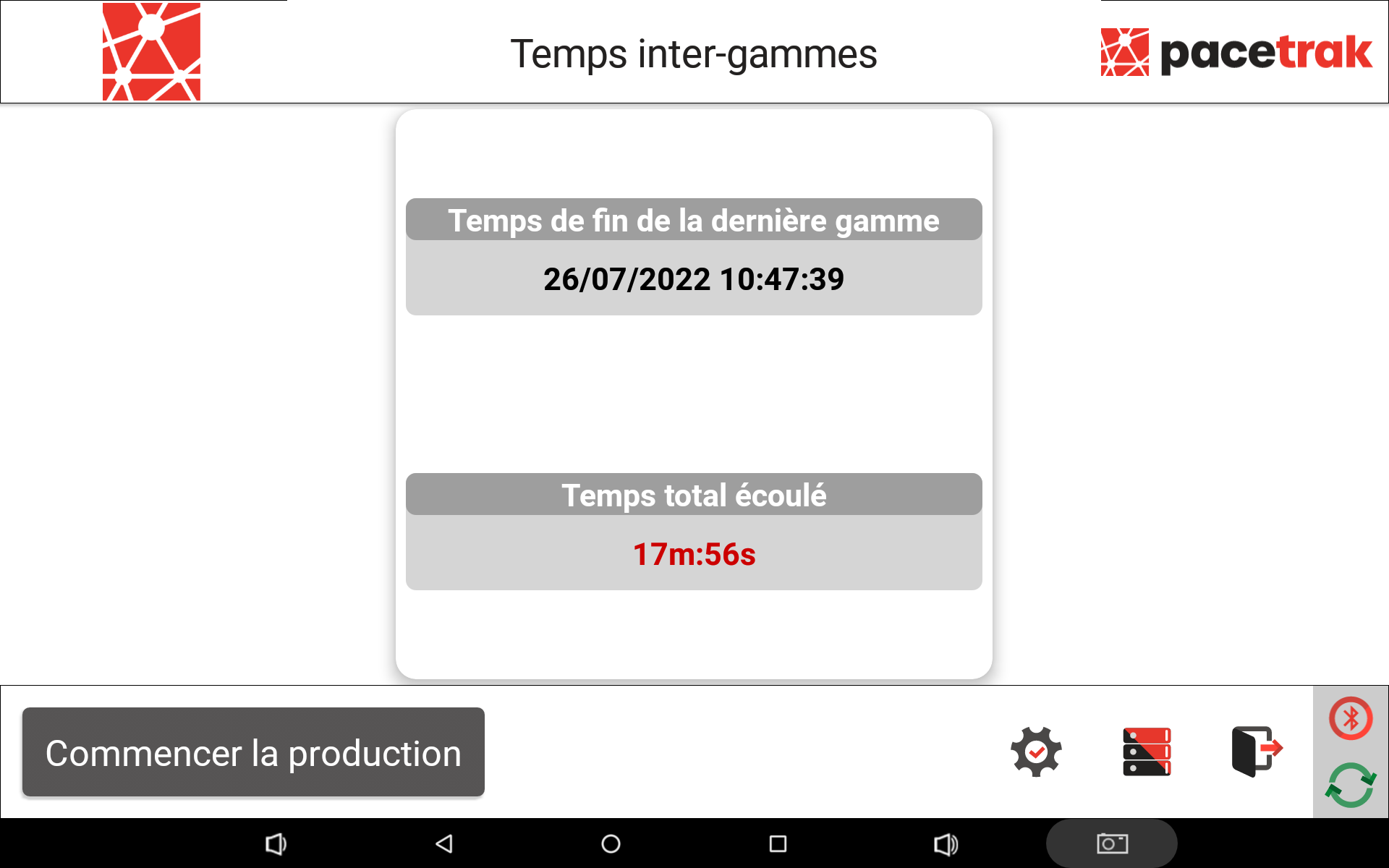
1. Inter-routing time
The home screen displays the inter-routing time (or inter-product time): the time elapsed between the end of production of the last routing and the start of the next one. It shows the date and time at which the last product ended, as well as the total time elapsed since then.
2. Start production
Press Start production, select the product or routing to be produced, then confirm with Start.
3. Detailed history
The history shows the production of the last hour, the last 7 days, by day, by week and by shift: product, start and end, level 1 and level 2 causes, time gained or lost, shift name, synchronisation status and editing actions.
4. Icons and menus
At the bottom of the screen:
- Disconnect — to change user at a shift change (username and password are required to log back in).
- Parameters (cogwheel) — a menu reserved for the administrator: Products, Loss categories, Options, Team planning, Information, Languages, Change log, Bluetooth configuration.
- Editable performance history — see the dedicated article.
- Wi-Fi connection status — green: internet available; red: internet not available; black and red (in motion): synchronisation with the website in progress.
- Bluetooth status — green: connected; red: disconnected.
The PaceTrak application is available in 6 languages: English, Spanish, French, Romanian, Swedish and Chinese.