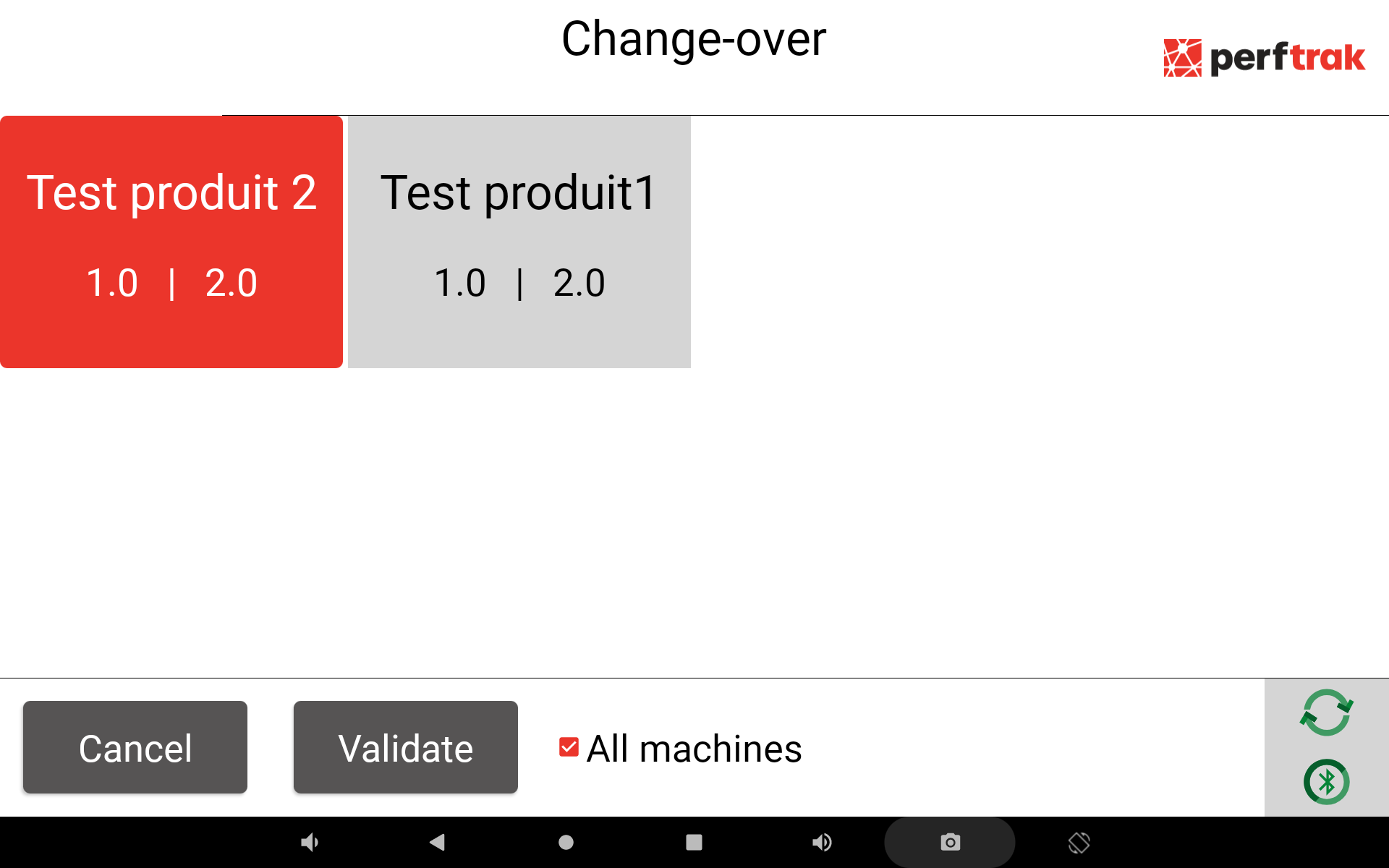
Sync change-over is a PerfTrak option. It allows you to synchronise the product on all the machines of a multi-machine system, which means that the same product is selected on all your machines.
It can be useful if your machines are installed on the same line.
The synchronisation only works if the product you select also exists on the other machines.
Activating the option
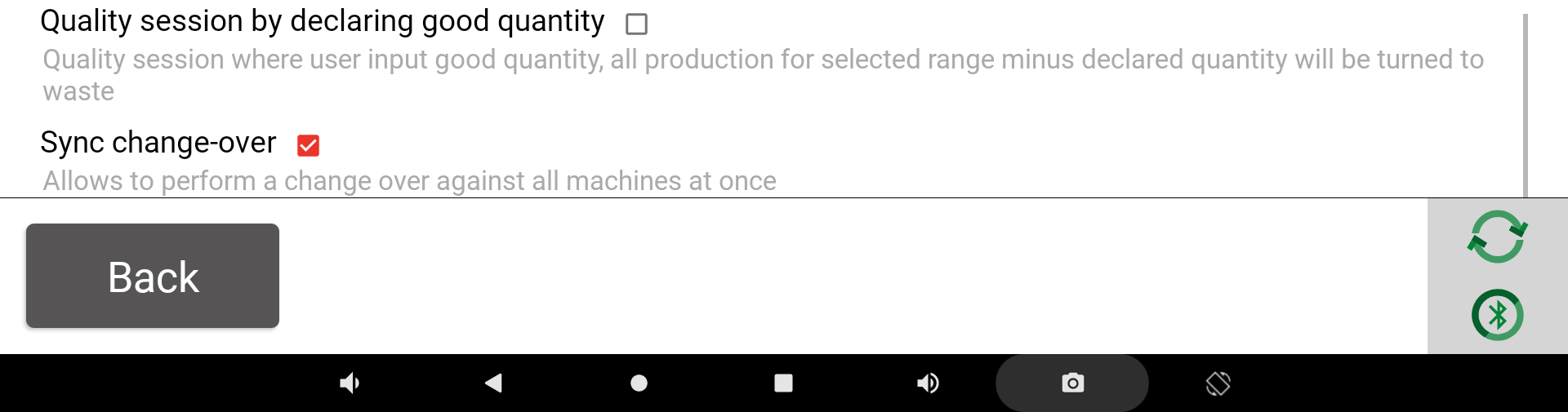
Check in the PerfTrak options that Sync change-over is enabled.
On the PerfTrak home page, go through the settings button:

Then get to the PerfTrak options:

When you find the right option, you can enable it. Its description reads "Allows to perform a change over against all machines at once".
Using the option
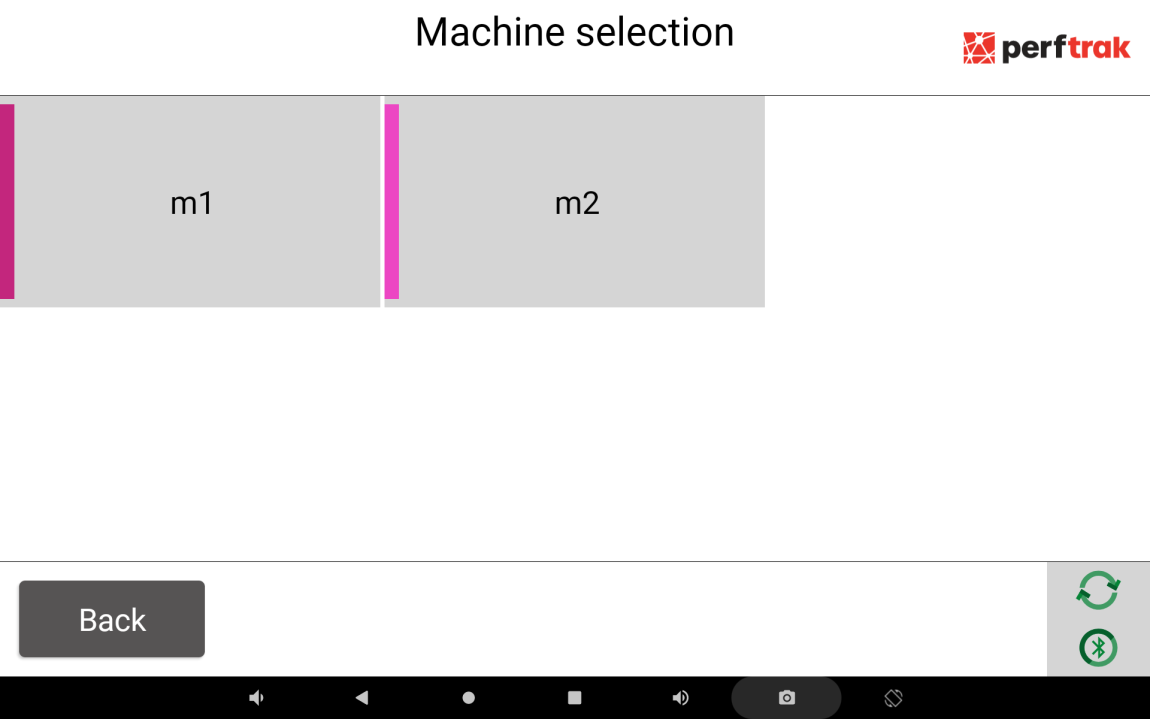
The option is now activated. When you want to change the product on the machine, go into the change-over button, then select a machine:
A checkbox is displayed at the bottom of the screen. If the All machines checkbox is checked, your product selection will be applied to all the machines on the tablet.
PerfTrak remembers your last choice and keeps the checkbox enabled for the next change-over.